Start
Open the woodshed model or bring a rendered Blender animation.
Show how it works.
Show how it fits.
Turn a 3D assembly into a product film.
Direct the parts, motion and finish in one workspace.
A product model holds the details that make it work. Turning those details into a clear visual story takes another set of tools, skills and decisions.
Blackblend brings assembly inspection, agent-assisted edits, animation and video finishing together. The original stays beside each generated take for review.
Open the woodshed model or bring a rendered Blender animation.
Set the camera, separate the parts and export a preview animation.
Add a visual direction and reference images. Confirm the price to generate.
Play source and result together. Choose the take that tells the story.
From mechanical detail to a finished shot. Compare the PTZ rig’s Blender animation with its AI treatment.
Construction, mechanisms and the relationships between them.
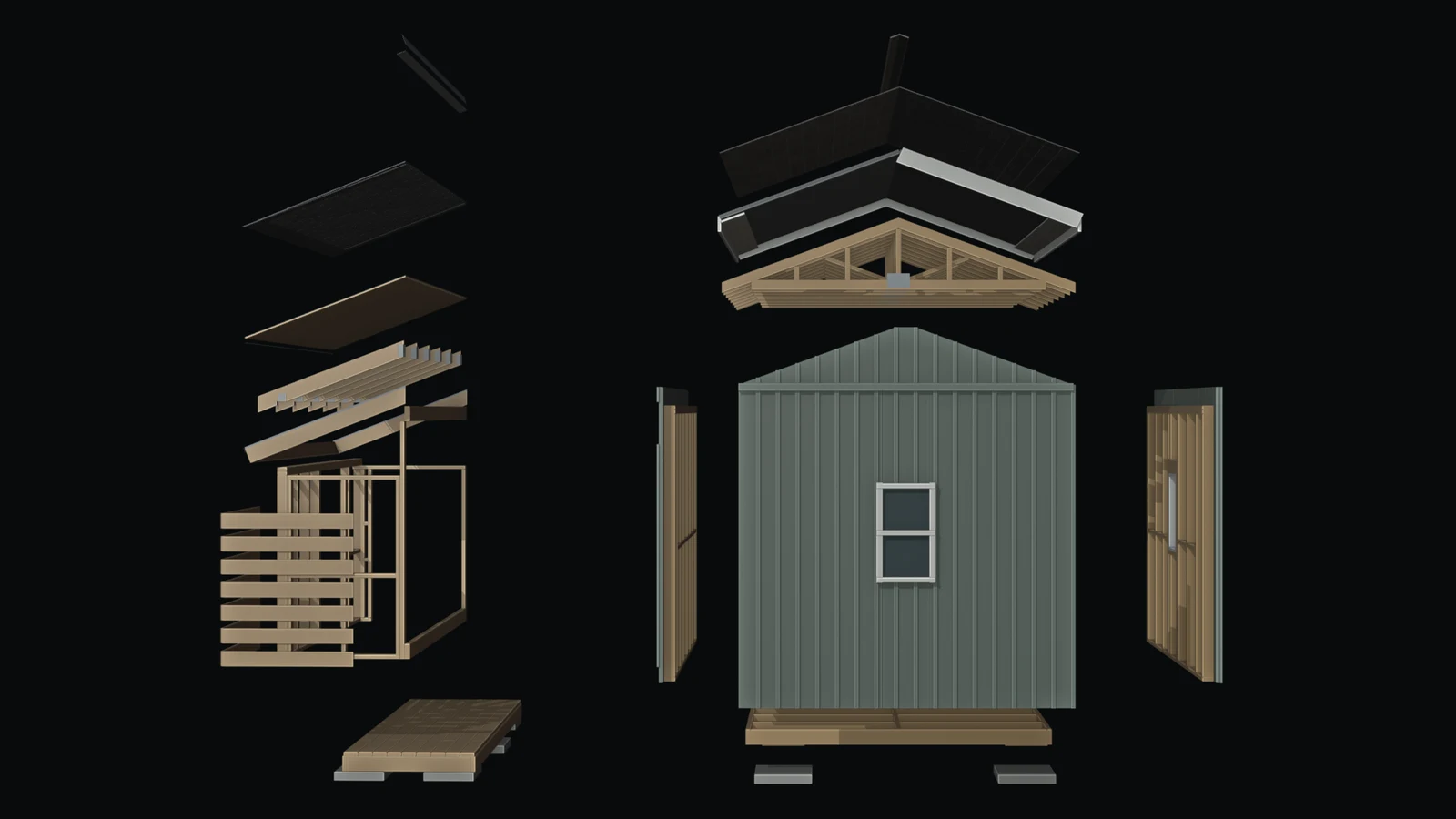
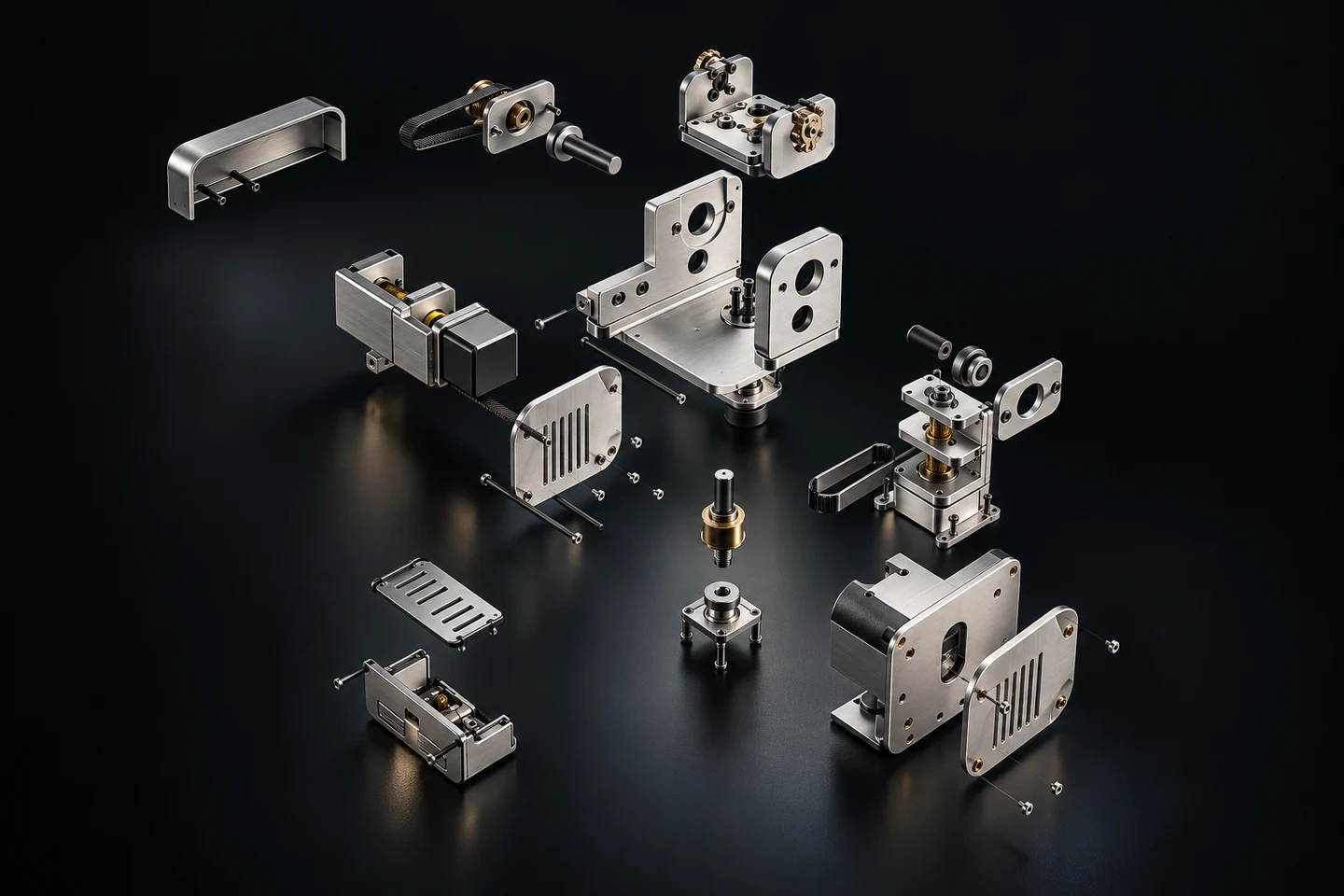
For design agencies and product teams explaining something complex. Work in Studio, commission a film, or bring Blackblend into the design process.
Explore the StudioCamera and assembly choreography, material direction, film finishing and revisions.
Hands-on setup and guidance for teams bringing agents, Blender and CAD into their practice.
Plan how reviewed assemblies could support product updates, technical illustrations and service documentation.
Physical AI needs models that describe how things fit, move and behave. Visualization is our starting point. The next steps are broader model editing, reusable assembly knowledge and preparation for simulation and digital twins.
Available today: inspect assemblies, direct motion and compare takes.
Next: preserve part relationships across revisions and technical explanations.
Research: exchange scenes with physical properties and tested behavior.
Longer term: link the model to data from the physical asset.
Simulation and connected twins are future capabilities. Each needs validation beyond a visual model.
Explore the directionUse the workspace, commission a visual explanation or scope expert design support.
Inspect assemblies, direct supported edits and compare visual results.
Commission a film or bring us into your agency’s production team.
Work through an assembly or establish an AI-assisted design workflow.
Proposed early-access pricing. Generation is charged separately. Subscriptions and service checkout are not yet available.
Generated video can alter shape and motion. Compare each take against the source; use native Blender renders when exact geometry is required.
Explore and animate the woodshed in Studio, save a private take and compare source and result. Hosted scene editing and approved video generation are available to the operator account during early access.
Design studios and engineering teams starting with an assembly or rendered animation. The first workflow is product visualization; broader engineering and physical-AI uses are roadmap goals.
We are developing Studio subscriptions, Production projects and Engineering & Design reviews. Project quotes will specify deliverables, revisions and generation costs.
Blackblend starts with agents helping people inspect and revise digital models of physical products. Today’s workflow covers visualization and supported edits. Simulation-ready assets, connected twins and robotics workflows need further development and validation.
Your projects, videos and Blender edits are private to your account. Local Blender files stay on your computer unless you upload them. Check the animation, references and price before starting a paid video job.